
Technology
Google Unveils Android 16 QPR2 with Expanded Features and Enhancements

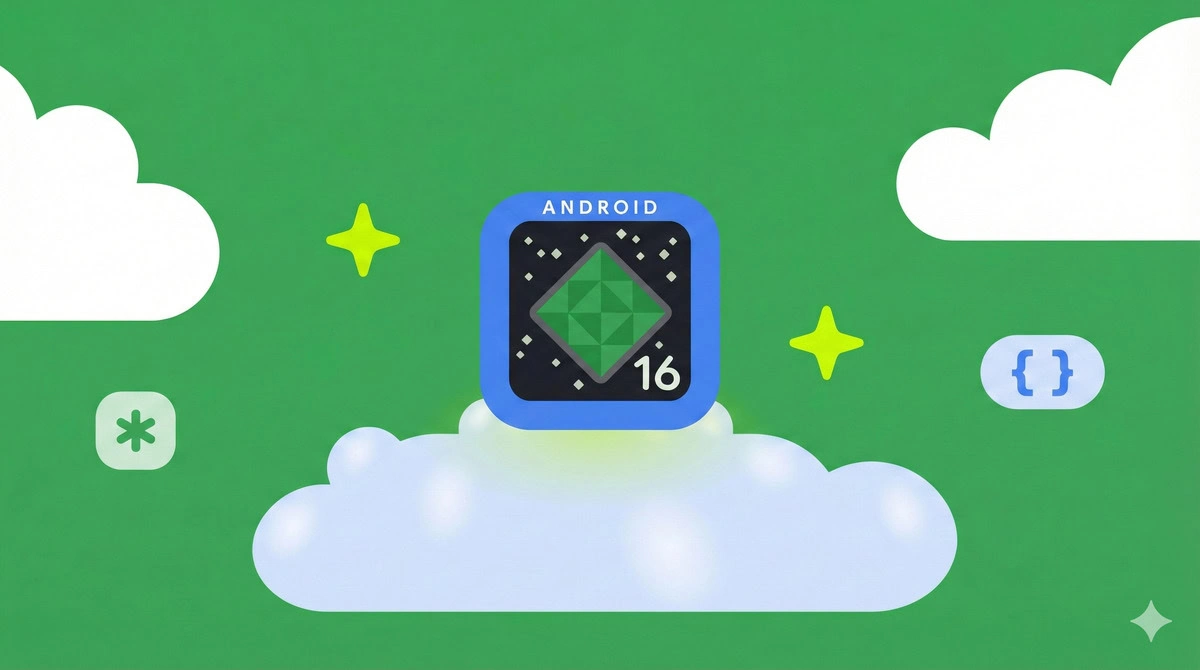
Google has officially launched Android 16 QPR2, marking a shift from traditional annual updates to more frequent, incremental releases. This rollout coincides with the December 2025 security patch and extends to a broad range of devices, including the Pixel 6 through Pixel 10 series, as well as the Pixel Fold and Pixel Tablet.
New Features Enhance User Experience
The update prioritizes user control and accessibility, introducing several new features. One of the most notable additions is the lock screen widgets, which users can access by swiping left for a new widget feed. While all users can view these widgets, the system enforces a security measure that requires authentication before launching any related application.
A subtle enhancement to the lock screen clock also arrives with this update. Tapping on the two-line clock now makes it visually thicker and provides haptic feedback, improving user interaction.
Visual Consistency and Customization Options
In an effort to enhance aesthetic consistency, Google has introduced an Expanded Dark Theme. This feature automatically applies a dark theme to most applications that do not natively support it, providing a seamless visual experience for users who prefer dark mode. Additionally, the system now generates themed app icons for all applications, addressing the common issue of inconsistent icon designs that disrupt the overall user interface.
Refinements in design extend to the core Settings app, where sections like Notification History and Security & Privacy now showcase updated visuals and card shapes, aligning with Material 3 design principles.
The update also introduces a new notification organizer, which automatically groups lower-priority alerts, such as “Promotions” and “Social Alerts,” at the bottom of the notification shade. This feature aids in reducing digital clutter and streamlining user notifications. Accessibility features have seen minor improvements, including a new position for the Live Caption toggle, now conveniently located at the bottom of the volume slider for quicker access.
Configuration menus have undergone structural updates as well, with “Parental controls” now separated from “Digital Wellbeing” into a dedicated section. This change simplifies the process for parents managing screen time limits and schedules.
The display options receive an upgrade with the new “Enhanced HDR brightness” setting, which offers an Intensity slider, allowing users to adjust the visibility of high-dynamic-range content according to their preference.
Security enhancements include the introduction of the Secure Lock Device state. When activated remotely, this feature locks the device immediately, requiring the primary PIN or password for access. It temporarily disables biometric unlock while also concealing quick actions and notifications from the lock screen.
The introduction of Android 16 QPR2 illustrates Google’s commitment to providing users with meaningful updates that enhance both functionality and security across a wide array of devices. As the landscape of mobile operating systems evolves, the emphasis on frequent updates may well set a new standard in the industry.

UBC Reports 2024 Animal Research Statistics with Commitment to Transparency

Health Minister Clarifies Cost of New Agreement for Workers

Google Unveils Android 16 QPR2 with Expanded Features and Enhancements

Toronto Blue Jays Sign Dylan Cease to Record $210 Million Deal

Boeing’s 787 Dreamliner Outshines Airbus Amid Industry Challenges

District 58 Education Foundation Grants $33,000 for Innovative Teaching

Hemlo Mining Corp. Celebrates TSX Venture Exchange Listing

Community Mourns the Loss of Beloved Family Man Mark Tanner

University of Guelph Honors Shakespeare VR as Innovation of the Year

Toyoake City Proposes Daily Two-Hour Smartphone Use Limit

B.C. Review Reveals Urgent Need for Rare-Disease Drug Reforms

Pedestrian Fatally Injured in Esquimalt Collision on August 14

Dark Adventure Game “Bye Sweet Carole” Set for October Release

Jimmy Lai’s Defense Challenges Charges Under National Security Law

Victoria’s Pop-Up Shop Shines Light on B.C.’s Wolf Cull

Konami Revives Iconic Metal Gear Solid Delta Ahead of Release

Apple Expands Self-Service Repair Program to Canada

Snapmaker U1 Color 3D Printer Redefines Speed and Sustainability
-
 Science3 months ago
Toyoake City Proposes Daily Two-Hour Smartphone Use Limit
-
 Health4 months ago
B.C. Review Reveals Urgent Need for Rare-Disease Drug Reforms
-
 Top Stories4 months ago
Pedestrian Fatally Injured in Esquimalt Collision on August 14
-
 Technology3 months ago
Dark Adventure Game “Bye Sweet Carole” Set for October Release
-
 World3 months ago
Jimmy Lai’s Defense Challenges Charges Under National Security Law
-
 Lifestyle4 months ago
Victoria’s Pop-Up Shop Shines Light on B.C.’s Wolf Cull
-
 Technology3 months ago
Konami Revives Iconic Metal Gear Solid Delta Ahead of Release
-
 Technology3 months ago
Apple Expands Self-Service Repair Program to Canada
-
 Technology3 months ago
Snapmaker U1 Color 3D Printer Redefines Speed and Sustainability
-

 Technology3 months ago
AION Folding Knife: Redefining EDC Design with Premium Materials
-
 Technology4 months ago
Solve Today’s Wordle Challenge: Hints and Answer for August 19
-

 Business4 months ago
Gordon Murray Automotive Unveils S1 LM and Le Mans GTR at Monterey